
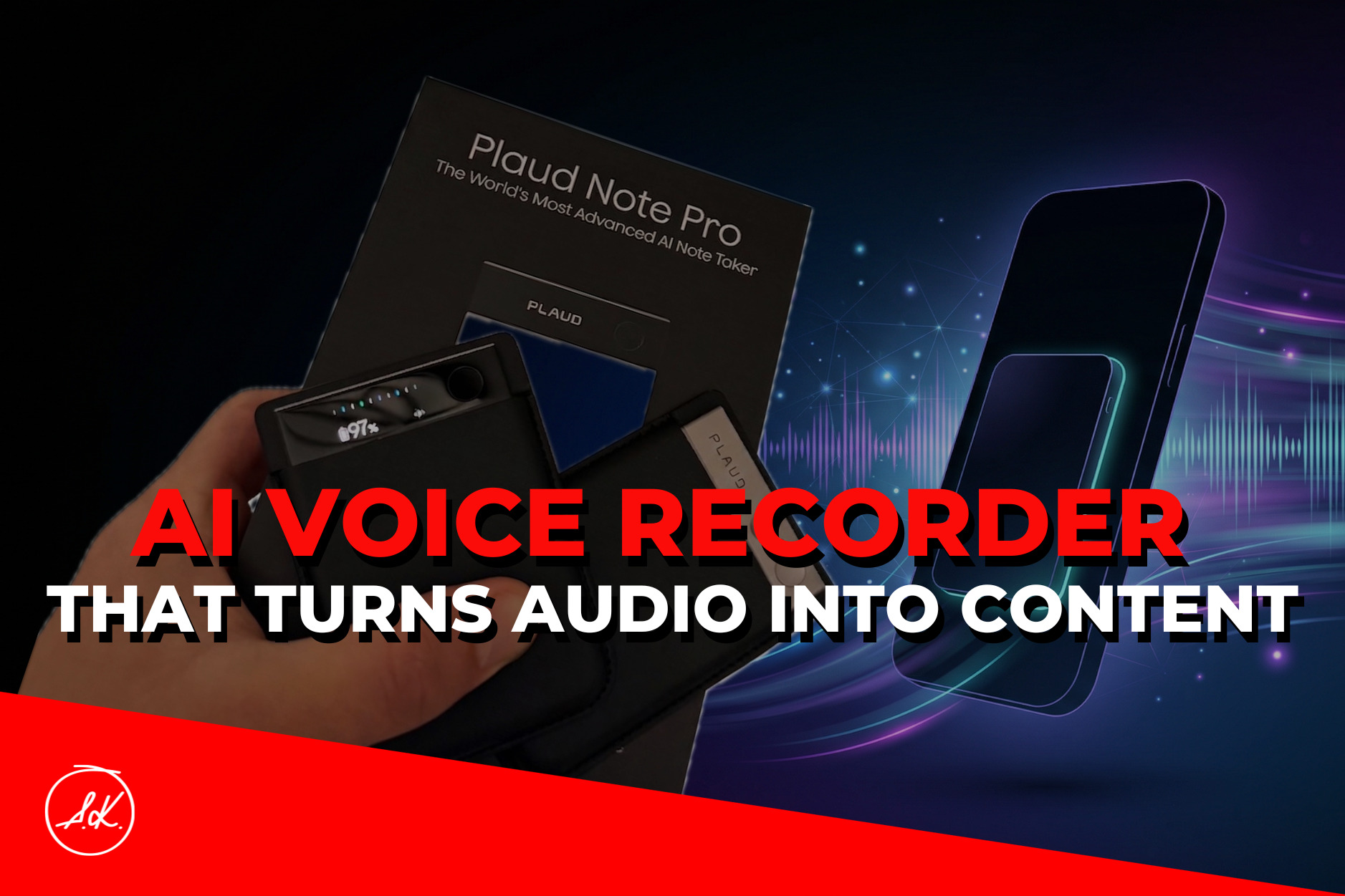
Taking AI notes from calls, meetings, and masterminds is great. But what if, instead of just notes, you could get ready-made outputs? With Plaud, you can set up your own custom workflow. Instead of raw materials that need further processing, you get outputs that are ready to publish—whether that’s social media posts or even a full blog article.
AI is Unstoppable, and That’s Awesome
The world of AI fascinates me every single day, and I try to keep up with its incredible progress. I spend hours vibecoding daily, using various tools, and striving to streamline my workflow. Thanks to AI, I can bring my ideas to life almost instantly.
But I also spend a ton of time in meetings, calls, workshops, and masterminds that I host within the Meet&Deal COMMUNITY. And this right here is an absolute goldmine for my blog and social media content.
I’ve been using Plaud for a while now. It’s a voice recorder that snaps onto the back of your phone via MagSafe. It records everything anyone says around you, and thanks to the app, it can generate a verbatim transcript along with various types of summaries. You can export these outputs, share them, or integrate them into other apps.
Recordings are stored locally right on the device. Transcription and summarization happen in the cloud via an encrypted enterprise API, meaning your data isn’t used to train AI models. It’s ISO 27001, GDPR, and HIPAA certified for those who care about the technical details.
The AI engine is powered by GPT, Claude Sonnet, and Gemini. The battery lasts for up to 50 hours of continuous recording and 60 days on standby.
All of this is great, but normally, you’d still have to process those outputs further. Well, not anymore. With the new Plaud Note Pro, I set up a workflow, and instead of just getting mastermind notes or a transcript, I get a finished article alongside a ready-to-go social media post.
And that changes the game entirely.
How It Works in Practice
This is where your average voice recorder ends and Plaud begins.
Inside the app, you set up your own templates. A template is essentially a prompt that defines exactly what you want out of the recording—the structure, the tone, and the length. You create it once, and then you apply it to any recording with a single click. Pretty neat, right?
How do I handle this during Meet&Deal COMMUNITY masterminds? I always record the entire session. During the recording, I just press a button to mark a key moment—a feature called Press to Highlight. When the session ends, the recording automatically syncs to the app. I apply my article template, and moments later, I have a finished draft. I then drop that exact same content into my LinkedIn template.
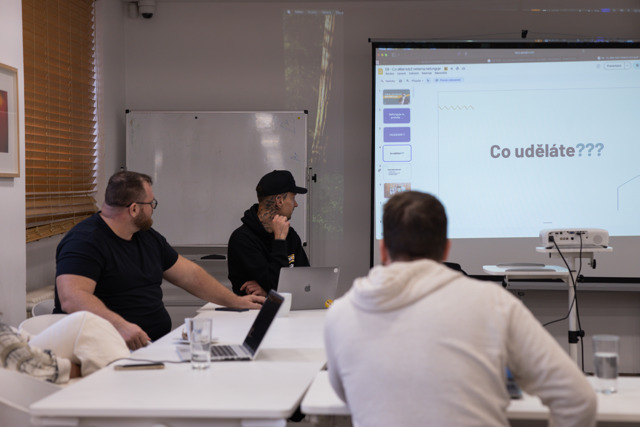
Normally, this would take me hours. Now, it’s a matter of minutes and a few minor tweaks.
Here’s the template I use:
Prompt: Create a structured article in Czech from this Meet&Deal COMMUNITY mastermind recording. Ignore small talk, logistical notes, and technical issues. Focus exclusively on business insights. Structure: > 1) HEADLINE (catchy, 6–10 words) 2) LEAD PARAGRAPH (2–3 sentences, main idea) 3) BODY (3–5 sections with subheadings, 100–150 words each, specific insights from the discussion) 4) KEY TAKEAWAYS (3–5 bullet points) 5) CTA (linking back to the Meet&Deal COMMUNITY). Tone: Expert yet accessible, aimed at entrepreneurs with 10M+ in revenue. No fluff, just concrete facts.
One recording. Three outputs. Done in a few minutes.
As of 2026, they’ve added a new layer called Skills. These are complete AI workflows saved as a single click. You trigger them using a slash command directly in the interface. There are 15+ built-in skills, plus room for up to ten custom ones. No more rewriting prompts from scratch every time.
But What’s the Catch?
The transcription isn’t 100% perfect. If there’s a lot of background noise in the room or someone has a thick accent, errors can pop up in the transcript. You have to expect that.
Another thing is that Plaud runs on a subscription model. It processes 300 minutes a month for free, but after that, you have to pay. For some, a monthly payment model might get annoying over time. However, if you don’t want to be locked into one platform, you can always export the audio files and process them in a different AI tool.
And one last thing people often ask me about: In the Czech Republic, Act No. 127/2005 Coll. applies. Recording a call or meeting without the other party’s consent is a legal issue. I always state that I’m recording upfront, and I’ve never had a single person object to it.
Want a Plaud Too? Get It with a Discount
Plaud probably won’t transform your business overnight. But if you’re in meetings every day and attending various workshops, it’s a fantastic way to instantly extract concrete outputs based on a workflow you design yourself.
Make sense? If this sounds good to you, use the code ANDRE on the tygotec.cz website to get a 10% discount on your Plaud. Or check out my Instagram, where I’m currently running a giveaway.
